
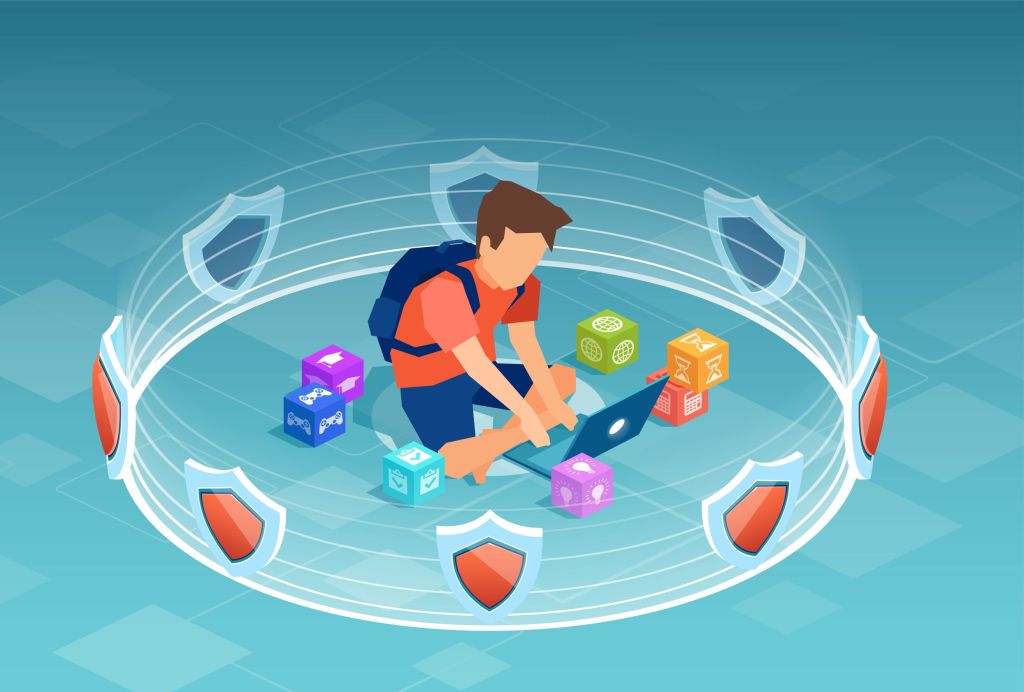
In today’s digital age, the internet has become an essential part of our lives. From homework to social interactions, our children spend a significant amount of time online. While the internet offers a wealth of opportunities for learning and connection, it also presents risks. As parents, it’s crucial to prioritize online safety for both children and adults in the household. Here’s what you need to know to create a safer digital environment for your family.
Stay Informed About Your Child’s Online Activities
Children are curious and tech-savvy, often exploring websites, apps, and games. While this curiosity is natural, it’s important to be aware of their online activities.
- Communicate openly: Talk to your children about their favorite websites, games, and social media platforms. Encourage them to share their online experiences with you.
- Check their devices: Regularly review the apps and websites your child uses. This helps you stay informed and spot any potential red flags.
Use Parental Controls
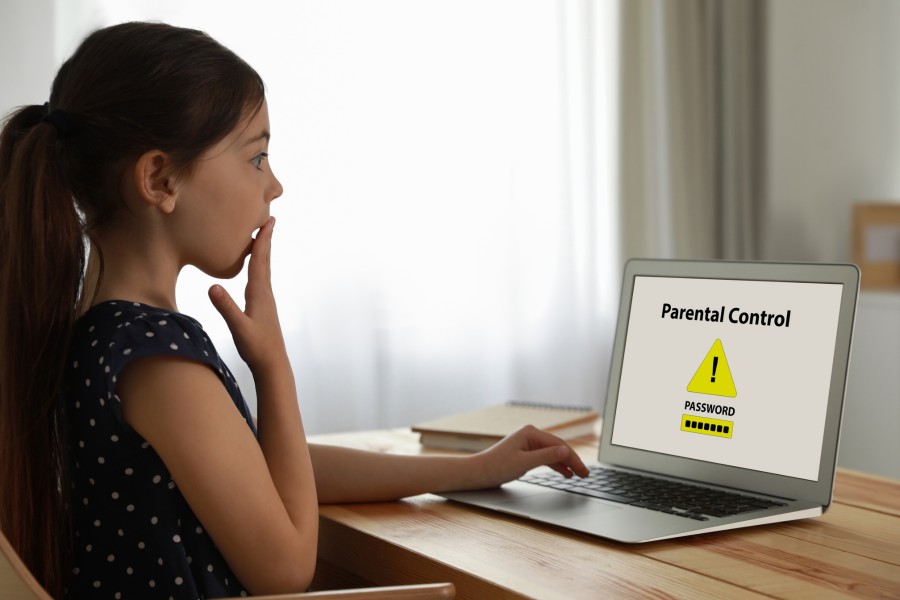
Parental controls are an excellent tool for monitoring and managing your child’s internet usage. These controls can filter content, set time limits, and block inappropriate websites.
- Enable controls on devices: Most smartphones, tablets, and computers come with built-in parental controls. Familiarize yourself with these features and activate them.
Utilize third-party tools: Consider using additional software like Net Nanny, Bark, or Qustodio to enhance your ability to monitor and protect your child’s online experience.
Respect Age Restrictions
Many websites and apps have age restrictions for a reason. Platforms like Instagram, TikTok, and YouTube are designed for users aged 13 and older. Allowing younger children to access these sites can expose them to inappropriate content or interactions.
- Verify accounts: Ensure that your child’s online accounts are set up using accurate birthdates to avoid bypassing age restrictions.
- Explain why restrictions matter: Help your child understand the importance of following these rules to protect their safety and well-being.
Be Aware of Potentially Inappropriate Websites

Some websites may appear harmless but contain content unsuitable for children. Below is a list of sites to watch out for:
- Reddit: While it offers diverse content, many forums and threads are unmoderated and contain explicit material.
- Discord: Often used for gaming chats, some servers include inappropriate conversations or unfiltered media.
- Omegle: A platform for chatting with strangers, known for exposing users to explicit content.
- 4chan: An anonymous forum notorious for unregulated and harmful content.
- Certain YouTube Channels: While YouTube has an abundance of child-friendly content, some channels might disguise inappropriate material within kid-focused videos. Consider enabling YouTube Kids for a safer experience.
Teach Safe Online Habits
Empowering your child with safe online habits is one of the most effective ways to protect them.
- Never share personal information: Remind your child not to disclose their full name, address, phone number, or school details online.
- Be cautious with strangers: Teach them to avoid chatting with people they don’t know in real life.
- Think before posting: Help your child understand the permanence of online posts and the importance of maintaining a positive digital footprint.
Lead by Example

Children learn a great deal from observing their parents. Practice good online safety habits yourself, such as:
- Using strong, unique passwords for accounts.
- Being cautious about the information you share on social media.
- Avoiding suspicious links or emails to prevent cyber threats.
Conclusion
Online safety is a shared responsibility that begins at home. By staying informed, setting clear boundaries, and fostering open communication, you can help your children navigate the digital world responsibly and safely. With the right tools and habits, the internet can remain a space for exploration and learning while minimizing risks.
We hope this guide helps you feel more confident about managing online safety for your family. If you found this article helpful, please share it with other parents in your community. We’d also love to hear your thoughts! Leave a comment below to share your tips, experiences, or questions about online safety. Let’s work together to create a safer digital world for our children!





 LAKEWISE
Leave a comment